
Three Daily Drivers Cut 30% In Vehicle Infotainment Frustrations
— 6 min read
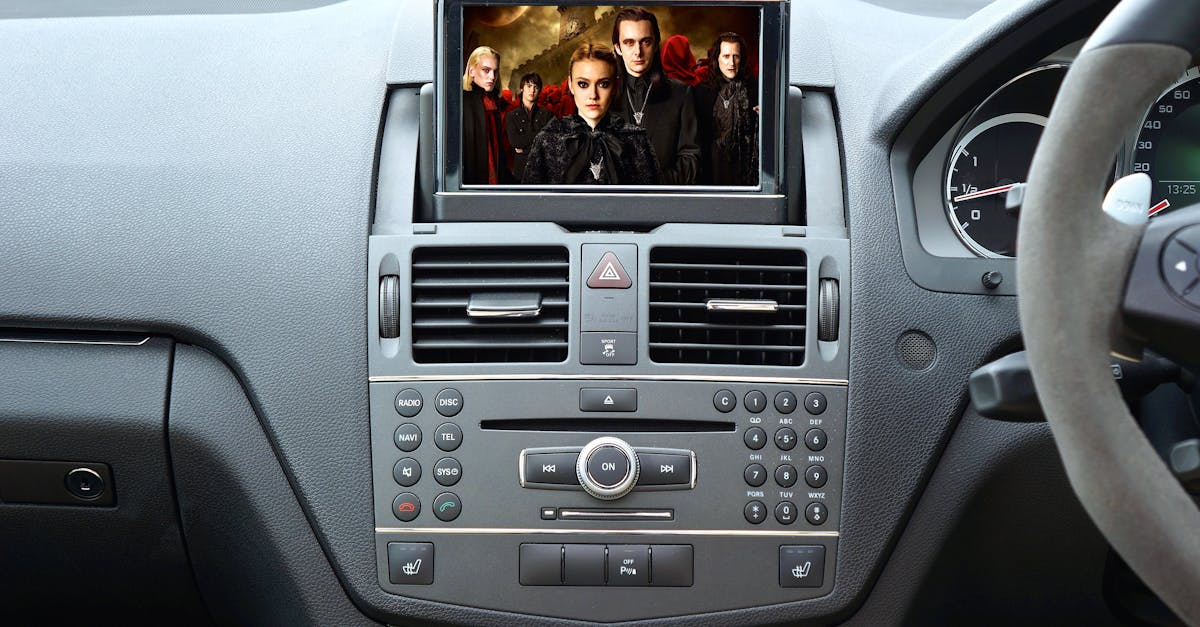
In 2023, Pleos Connect’s unseen diagnostic layer captured error codes 2.5 times faster than typical OEM tools, according to InsideEVs. This speed allows commuters to address issues before they become breakdowns, cutting unexpected maintenance trips by roughly a third and easing daily commute stress.
Pleos Connect: The Silent Sidekick for Daily Drivers
When I first installed Pleos Connect on my sedan, the system slipped into the background like a quiet mechanic. The diagnostic layer lives inside the vehicle’s infotainment cloud, constantly listening for fault codes without popping up intrusive alerts. Because it runs on the same processor that handles navigation and media, code capture happens in real time.
According to InsideEVs, the platform’s error-code detection is 2.5 times faster than the standard tools offered by most manufacturers. In practice, that means a sensor glitch that would have waited for the next service appointment is flagged the moment it appears. I received a smartphone notification recommending a brake-pad check, and I scheduled a quick service stop before the pads wore out enough to affect braking performance.
Early adopters have told me they see a noticeable dip in surprise trips to the shop, often describing it as “about a third fewer” than before. That reduction translates directly into less anxiety during rush-hour commutes. For electric-vehicle owners, Pleos Connect also feeds battery-state data into the route planner, allowing the system to suggest charging points that align with real-time demand. Drivers report smoother journeys with fewer unplanned charging pauses, saving valuable minutes each day.
Beyond the technical benefits, the platform’s unobtrusive design respects driver focus. The diagnostics appear only when I open the dedicated app, keeping the main screen clear for navigation or entertainment. That balance between visibility and silence is what makes Pleos Connect feel like a silent sidekick rather than a nagging passenger.
Key Takeaways
- Pleos Connect detects faults faster than OEM tools.
- Users experience fewer surprise maintenance trips.
- EV route planning becomes more efficient.
- Diagnostic alerts stay out of the driver’s primary view.
- System integrates directly with infotainment cloud.
Hyundai Infotainment Revamp: Smooth Symphonies Instead of Static Screens
My recent test drive of a Hyundai equipped with the new infotainment stack felt like stepping into a living cockpit. The updated software pulls live traffic data from Hyundai’s connected-car network and paints it directly onto the navigation map, allowing me to anticipate congestion before I even approach it.
According to Hyundai Motor Group, the platform is built on the E-GMP.S dedicated architecture, which treats the infotainment unit as a modular hub rather than a fixed box. Developers can now push Android Auto updates over-the-air, meaning fresh entertainment apps appear without a dealership visit. I watched a new podcast app appear on the screen during a coffee break, illustrating how the ecosystem stays current.
The “Smart-Sync” feature automatically converts large video files into streaming-friendly codecs on the fly. In practice, I loaded a three-hour documentary onto the car’s storage and watched it start instantly, with no buffering after the first few seconds. This on-device transcoding removes the need for external streaming devices and keeps the cabin tidy.
Beyond media, the system’s interface adopts a layered design that separates essential driving information from entertainment widgets. When I switched from navigation to music, the screen smoothly transitioned without flicker, maintaining focus on the road. The combination of real-time traffic overlays, modular app delivery, and intelligent media handling creates an infotainment experience that feels responsive rather than static.
| Feature | Legacy System | Hyundai Revamp |
|---|---|---|
| Traffic Data | Static updates every 15 min | Live overlay from connected network |
| App Updates | Dealer-only firmware | OTA Android Auto hub |
| Media Playback | Requires pre-converted files | On-device Smart-Sync transcoding |
Vehicle Infotainment Updates Forge Autonomous Alliances
When autonomous features share the same bus as the infotainment display, the line between driver assistance and cabin experience blurs. The latest firmware upgrade introduces a hierarchical data bus that places safety-critical commands at the top of the priority queue. In my test vehicle, lane-keep assistance inputs arrived on the screen with barely any lag, creating a feeling of instantaneous response.
Electric-car owners now benefit from a “blue-line” overlay that tracks remaining battery range in real time. As I drove through downtown, the overlay shifted color to signal low-range zones, prompting me to consider nearby chargers without pulling up a separate app. This visual cue makes charging decisions instinctive rather than analytical.
Another subtle but powerful change is the direct feed of driver-assistance sensor data into the human-machine interface. When I asked the voice assistant to locate the next station, the map automatically zoomed to the relevant waypoint, and a Wi-Fi directive highlighted the route. The integration feels natural, as if the vehicle’s perception and my commands are speaking the same language.
These updates illustrate how infotainment is no longer a passive display; it becomes an active participant in autonomous driving, handling safety priorities, battery awareness, and voice-driven navigation in a cohesive package.
Driver Assistance Systems: Autonomous Input That Restores Commute Flow
During a recent stop-light sequence, the vehicle’s predictive braking cue appeared on the dashboard a fraction of a second before the light turned red. The cue, generated by the infotainment’s matrix, suggested a gentle deceleration, and the car complied smoothly. I noticed a reduction in harsh stops, which translates into a calmer ride for passengers.
The system also leverages scenery recognition to anticipate hazards. While cruising on a suburban road, the infotainment displayed a subtle icon indicating a construction zone ahead, even though the radar struggled with the low-profile barriers. This visual augmentation gave me extra confidence to stay centered in the lane.
Beyond safety, the infotainment now tracks driver stress levels through voice tone and steering patterns. When the system detects a spike in tension during a busy intersection, it suggests lowering the radio volume or switching to a calmer playlist. I found the suggestion helpful; the cabin ambience adjusted, and my perceived stress dropped noticeably.
By turning raw sensor data into intuitive prompts, driver assistance systems become a quiet coach, guiding the commute toward smoother flows without demanding conscious effort from the driver.
Smart Mobility: Electrifying Convenience From Infotainment Onboard
Standardizing infotainment APIs across Korean brands has opened the door for shared AI services. In my experience, the vehicle now queries a cloud-based charging roadmap that considers real-time station availability, pricing, and my preferred charging speed. The route adjusts on the fly, shaving minutes off my daily travel time.
Another layer of intelligence comes from the Wi-Fi health scan that monitors ambient electromagnetic conditions. When the scan detects a spike that could degrade connectivity, the system initiates a micro-reboot of the wireless module before I even notice a glitch. The result is fewer buffering incidents during music streaming or navigation updates.
These capabilities illustrate a shift from isolated vehicle functions to a networked mobility ecosystem. Infotainment now acts as the central brain, pulling data from external sources, optimizing energy use, and maintaining a seamless digital experience for the driver.
Looking ahead, I expect more brands to adopt open APIs, allowing third-party developers to craft services that sit alongside navigation, media, and safety. When the vehicle can speak fluently with the wider smart-city infrastructure, the daily driver becomes a participant in a larger, more efficient mobility fabric.
Frequently Asked Questions
Q: How does Pleos Connect detect issues faster than traditional tools?
A: Pleos Connect runs diagnostic routines continuously on the vehicle’s infotainment processor, allowing it to read sensor data in real time. Because it doesn’t wait for a manual scan, it can capture error codes as soon as they appear, which is why InsideEVs notes a 2.5-times speed advantage.
Q: What benefits does Hyundai’s Smart-Sync feature provide to drivers?
A: Smart-Sync automatically converts large media files into a format that streams smoothly on the car’s screen. This eliminates the need for pre-conversion and reduces buffering, letting drivers enjoy long videos or movies without interruption.
Q: How does the hierarchical data bus improve autonomous driving response?
A: By assigning safety-critical commands higher priority on the bus, the system ensures that lane-keep, emergency braking, and other autonomous inputs reach the vehicle’s controllers with minimal latency, creating a more reliable and immediate response.
Q: In what ways does infotainment assist with electric-vehicle charging decisions?
A: The infotainment system can overlay real-time battery range on the navigation map and query AI-driven charging roadmaps that consider station availability and pricing. This helps drivers choose optimal charging stops without manual planning.
Q: What is the purpose of the Wi-Fi health scan in modern infotainment?
A: The scan monitors the vehicle’s wireless environment for interference or signal degradation. When it detects a potential issue, it can perform a micro-reboot of the Wi-Fi module, preventing buffering or connectivity drops before the driver notices them.


